 Back to our world
Your little world.
Waiting for you.
A flower-lined path. A familiar little face.
There’s a place for you in Bloomhaven.
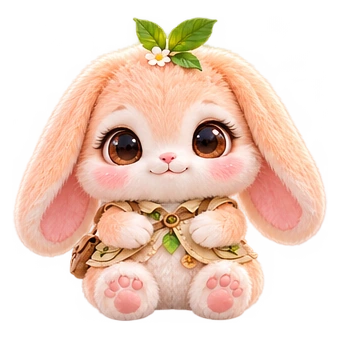
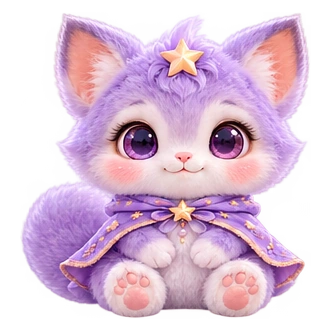 Your adventure starts with a friend.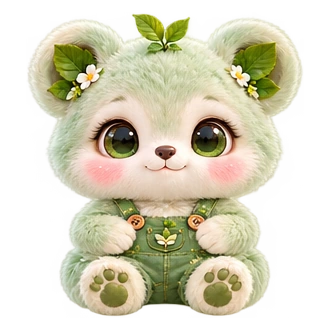
Welcome, adventurer.
Find your Maxies, keep your little memories,
and make this world a little more yours.
Your companions Your little journey
Continue with ChatGPTSecure sign-in · One account for your little adventures
SMALL BEGINNINGS. BIG POSSIBILITIES.